

What Nonprofits Need in a Website
- A nonprofit website has to serve multiple audiences simultaneously: the community members who need your programs, the donors who want to support your mission, the volunteers looking for opportunities, and the grant-makers evaluating your organization. A site organized only for donors does not serve participants. A site organized only for participants does not convert donors.
- Clear program pages with eligibility information, locations, and a direct path to access services are the highest-priority content for community-serving nonprofits. People looking for help should not have to search the site to find it.
- WordPress is the right platform for most nonprofit websites. It is open-source, extensible, well-supported by nonprofit discounts and grant-funded plugins, and does not lock the organization into a proprietary platform.
- Budget does not determine quality. The constraint is real, but organizations that approach website design with clear priorities and a strategic partner rather than the lowest bidder consistently get more for their investment.
- Accessibility is not optional. A nonprofit website that does not meet basic WCAG standards is failing the communities it exists to serve.
There is a particular kind of website a lot of nonprofits end up with. It was built by a volunteer with good intentions, purchased from a template shop, or handed off from a board member who offered to help. It looks dated. The navigation is confusing. The program information is buried. The donate button exists somewhere on the page, but it takes three clicks to actually make a donation.
This happens because nonprofits often accept a digital presence that does not reflect the quality of their work. A great website feels like a luxury that competes with direct program spending. It shouldn’t. At Trebletree, we love working with nonprofit organizations, getting creative to provide a polished online presence within their budget. Here is what great nonprofit website design actually looks like and how to get there without overspending.
What a Nonprofit Website Has to Do
A nonprofit website serves more audiences with more distinct needs than most organizational websites. Get this architecture wrong, and the site serves none of them well.
Community members looking for programs and services need to find eligibility information, locations, hours, and how to access services immediately. If the person who most needs your food pantry, your job training program, or your youth services has to spend five minutes navigating your website to figure out if they qualify and how to apply, you have a design problem that is actively working against your mission.
Donors evaluating whether to give need to understand the impact of their contribution, the credibility of the organization, and a clear, secure, frictionless path to donate. The donate button needs to be visible. The impact needs to be real and specific.
Volunteers want to know what opportunities exist, what commitment is required, and how to sign up. Grant officers want to understand the organization’s approach, outcomes data, leadership, and financial transparency. Each of these audiences needs to be able to find what they need without working for it.
The Platform Question
WordPress is the right choice for most nonprofit websites. It is open-source, which matters for organizations that cannot afford to be locked into a platform that raises prices or discontinues features. The nonprofit ecosystem around WordPress is strong: GiveWP for donation processing, Gravity Forms for program intake, and a wide range of accessibility and multilingual plugins that serve diverse community populations. Organizations can also access nonprofit pricing from hosting providers and many premium plugin developers.
Squarespace and Wix can be easier to manage independently but offer less flexibility for the complex functionality many nonprofits need over time: multilingual support, custom intake forms, member portals, grant reporting integrations. They also constrain the organization to proprietary platforms that may not serve the mission as it evolves.
For nonprofits with larger budgets or complex requirements, a custom WordPress build with thoughtful architecture delivers the most long-term value. For smaller organizations, a well-configured WordPress site using quality themes and plugins can deliver an excellent result at a fraction of the cost.
What the Best Nonprofit Websites Include
A Homepage That Orients Every Visitor Immediately
The homepage needs to answer three questions in the first screen: what does this organization do, who does it serve, and what should visitors do next. The answer to the third question is different depending on who is visiting. A well-designed nonprofit homepage makes the primary pathways, Get Help, Get Involved, Donate, clearly visible and easy to choose from without requiring every visitor to read the full page to find their way.
Program Pages With Real Information
Each major program deserves its own page with content written for the person considering accessing that program: what it is, who is eligible, what the experience involves, where it is offered, how to apply or get started. This is where user experience and discoverability converge. A program page with real information serves both the person searching for that program and the person who lands on the page and needs to decide whether to apply.
Impact That Is Specific and Credible
“Serving the community since 1985” is not impact. “1,200 individuals served last year, 78% of job training graduates secured employment within 90 days” is impact. Specific, recent, outcome-oriented data on the homepage and on program pages converts donors and supports grant applications simultaneously. It also gives the organization something worth saying that distinguishes it from the generic mission-statement copy that fills most nonprofit websites.
A Donation Experience That Does Not Lose People
The donation path needs to be simple, secure, and mobile-friendly. A donate button in the navigation, a dedicated donation page that loads fast and has minimal friction, and a thank-you experience that confirms the gift and shows its impact: these basics are often poorly executed on nonprofit websites. GiveWP and Stripe both offer nonprofit pricing and produce a donation experience that matches what donors expect from any well-designed website.
Accessibility as a Non-Negotiable
A nonprofit website that does not meet basic WCAG 2.1 accessibility standards is failing the communities it exists to serve. Text contrast, alt text on images, keyboard navigation, screen reader compatibility, and multilingual support where the community requires it are not enhancements. They are responsibilities. For organizations receiving federal funding, they are increasingly legal requirements.
What It Actually Costs
The range is wide. A minimal WordPress site with essential functionality can be built for a few thousand dollars. A fully custom design with complex features, multilingual support, member portals, and custom integrations costs significantly more. Most nonprofit websites that genuinely serve all their audiences well fall somewhere in between.
The more meaningful question than total cost is what the organization gets for what it spends. A $3,000 website that is hard to navigate, inaccessible, and requires a developer to update every time program information changes is not a bargain. A $12,000 website that serves every audience clearly, is easy for staff to update, and builds lasting digital visibility is an investment with returns that extend for years.
What Good Looks Like in Practice
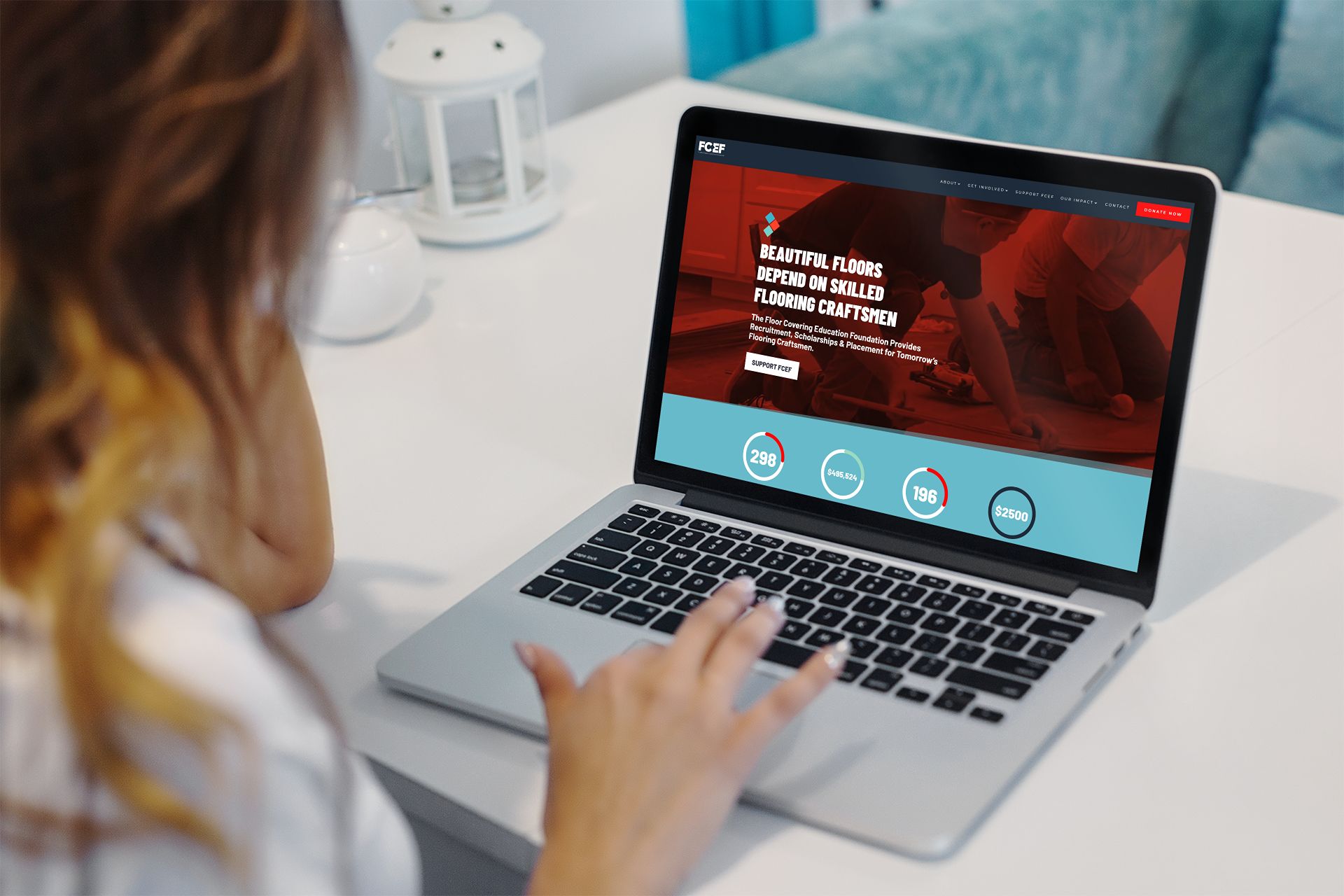
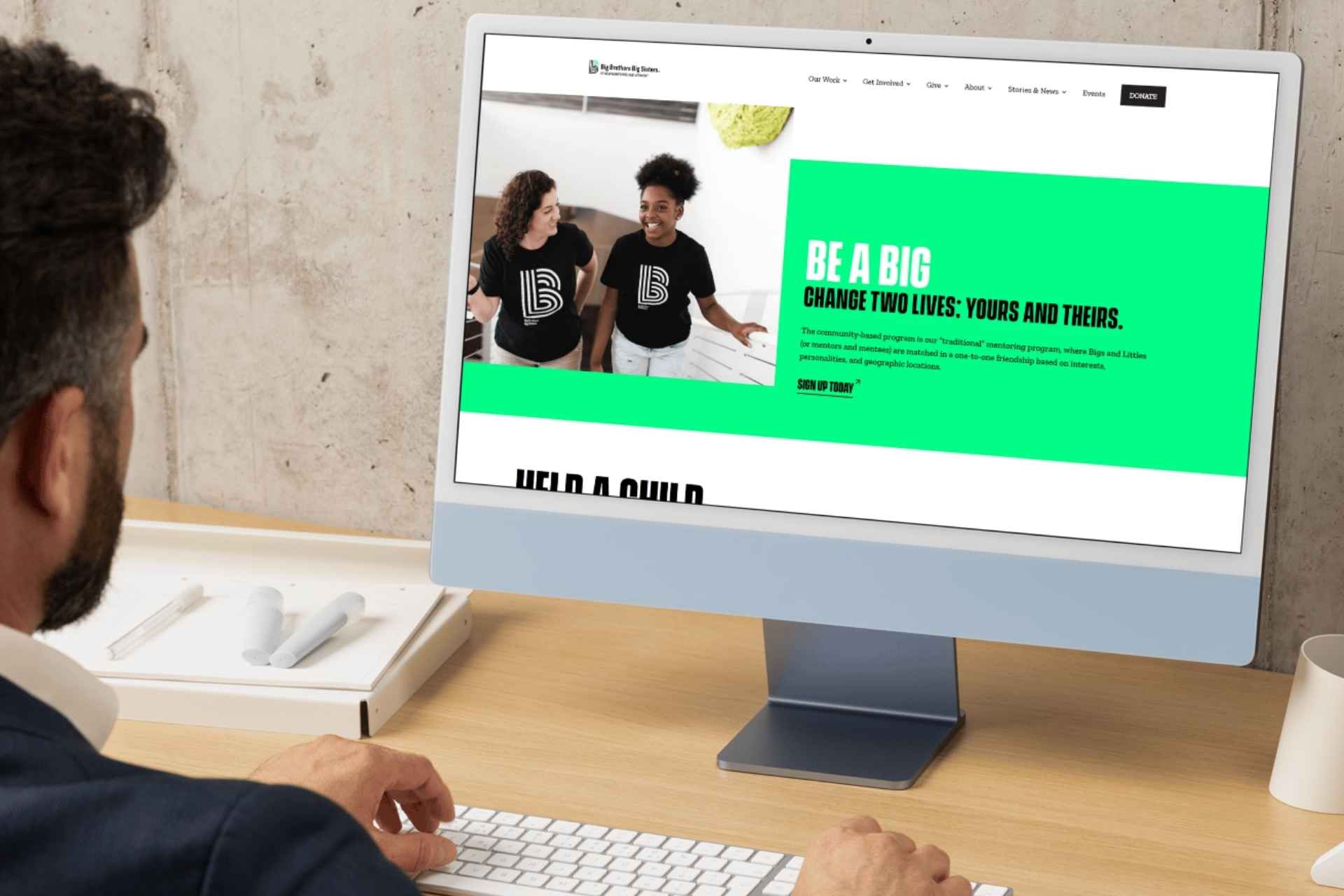
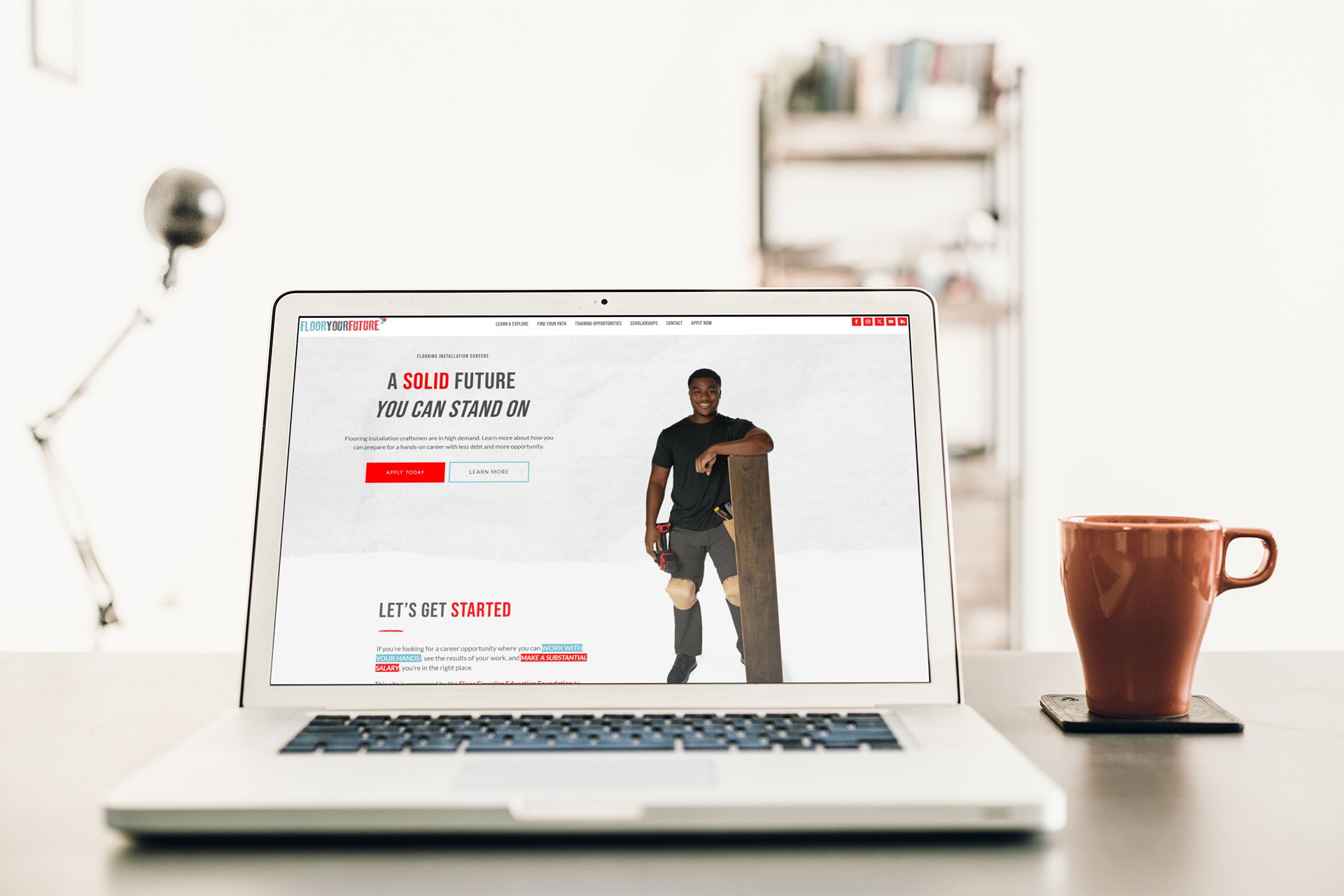
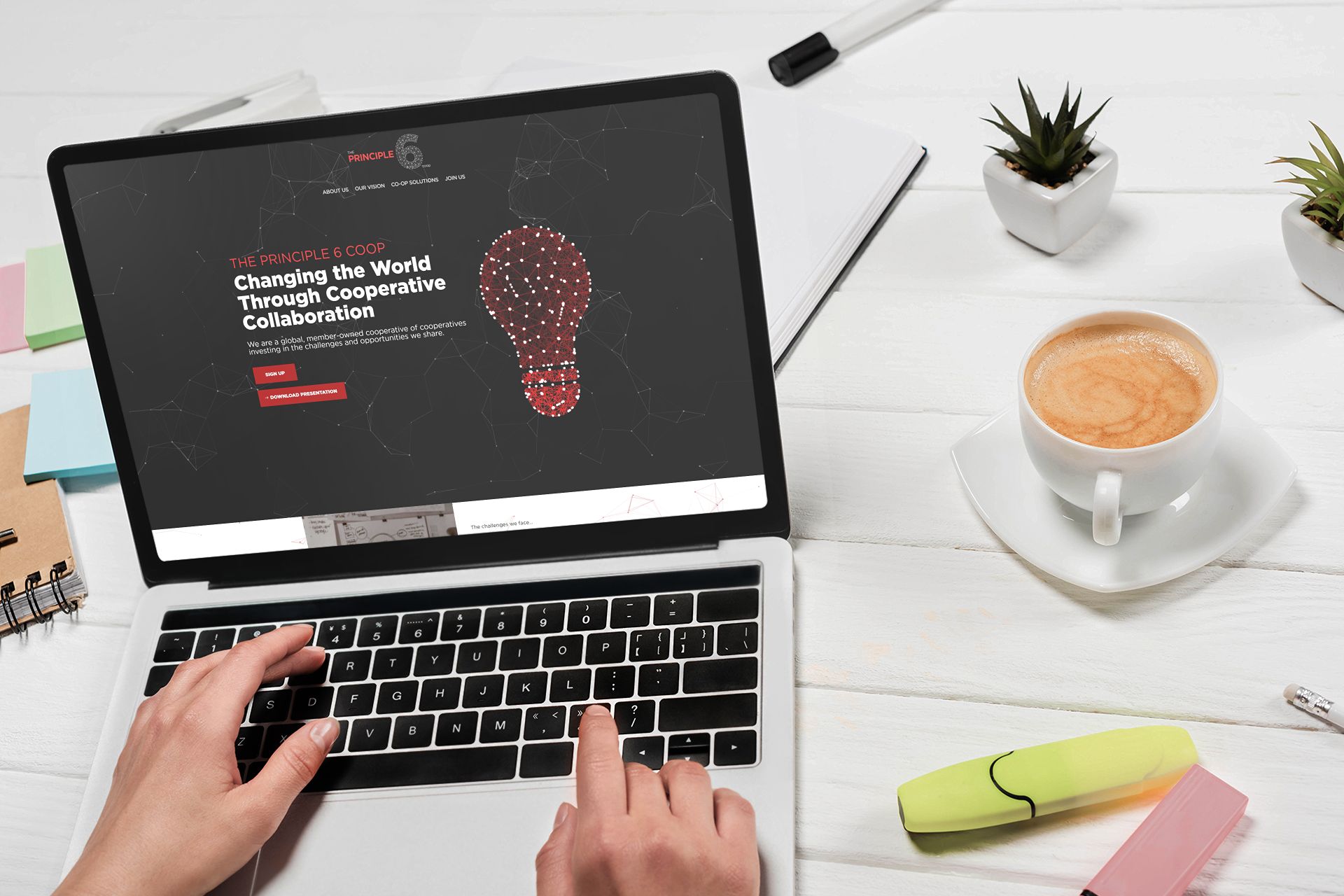
Our nonprofit website portfolio includes organizations doing serious work across a range of missions. Big Brothers Big Sisters of NH/VT needed a website that could serve both the families looking for mentorship programs and the adult volunteers considering becoming mentors, each with very different questions and very different paths through the site. FCEF and Floor Your Future, a flooring industry education nonprofit, required a site that could speak credibly to high school students, guidance counselors, and industry employers simultaneously. Open Arts needed a platform that reflected the vibrancy of the work while remaining accessible to a wide community audience. Principle 6 brought the additional complexity of a cooperative structure that does not fit neatly into standard nonprofit website templates.
In each case, the budget was real, and the constraints were real, but each organization deserved a site that represented the great work they do in their communities. Nonprofits should not have to choose between a great website and their programs. They need a partner who understands how to make great work happen within the resources available.
How Trebletree Can Help
We design and build nonprofit websites for organizations doing important work on restrained budgets. We know how to prioritize, how to make the most of what is available, and how to build a digital presence that reflects the quality of the work it represents.
We start with a free conversation about your audiences, your current site, and your top three priorities.
See how we work with mission-driven organizations
Frequently Asked Questions
What is the best website platform for a nonprofit?
WordPress is the right choice for most nonprofits. It is open-source, highly flexible, well-supported by the nonprofit technology ecosystem, and does not lock the organization into a proprietary platform. The availability of nonprofit pricing for hosting, plugins, and related services makes it accessible even at limited budgets. Squarespace and Wix are easier to manage independently but offer less flexibility for the complex functionality most nonprofits need over time.
How much does a nonprofit website cost?
The range is wide. A basic WordPress site with essential functionality can be built for a few thousand dollars. A fully custom design with complex features, multilingual support, and custom integrations costs significantly more. Most nonprofit websites that genuinely serve all their audiences well fall between $5,000 and $20,000 depending on scope and complexity. The more meaningful question is what the organization gets for what it spends: a well-built site that is easy to maintain is worth more over time than a cheaper site that requires developer involvement for every content change.
What should be on a nonprofit homepage?
Three things need to be immediately clear: what the organization does, who it serves, and what visitors should do next. Navigation should make the primary pathways, Get Help, Donate, Get Involved, easy to find without reading the whole page. Specific, recent impact data should be visible without scrolling. The donate button should be in the navigation. Real photos of real people in real program contexts outperform stock photography in both trust and conversion.
How do accessibility requirements apply to nonprofit websites?
Nonprofits receiving federal funding are subject to Section 508 accessibility requirements. Beyond legal requirements, WCAG 2.1 AA compliance ensures your site serves community members with disabilities, which for most nonprofits is directly connected to mission. Basic requirements include sufficient text contrast, alt text on all images, keyboard navigation, and screen reader compatibility. A developer building for nonprofits should treat these as requirements, not optional enhancements.
Should a nonprofit build a new website or redesign their existing one?
It depends on the current site’s structure and platform. If the existing site is on a platform that limits flexibility, is structurally hard to navigate, or requires developer involvement for routine content updates, a rebuild on WordPress is usually more cost-effective than retrofitting the existing site. If the platform is sound but the design and content are outdated, a redesign that preserves the URL structure and redirects appropriately can be the better choice. A conversation about the current site before deciding which path to take is always worthwhile.