

What to Know About Keeping a New Website Fresh
- Most sites don’t wear out all at once. They age because nothing changes for years, and then a full redesign becomes the only way out.
- The best time to plan for upkeep is at launch, when your design, modules, and templates are still fresh and consistent.
- Updates generally start from a functional need (your business needs the site to do something new) or a visual refresh (the site feels dated next to your brand).
- Refreshes come in three sizes: a single page, one element changed across the whole site, or a new module you can use on new and existing pages.
- Small, steady updates are easier to test and cheaper to roll out, and they protect the rankings and conversions you’ve built.
If you’re reading this because your current site feels tired, a redesign is probably the right move, and it’s what most of our clients come to us for. This post is about what happens after that. A new site is the best your website will ever look, and what you do in the years that follow decides whether it stays that way or turns into the site you can’t stand to look at.
We redesigned our own site in 2024. We loved it then and we still do. We’re also web designers, so we always want to try something new. That itch is why we haven’t had to start over. We evolve the site a little at a time, and it’s the same approach we take with clients. Our new homepage, which launched yesterday, is the latest example.
Why Sites Get Tired
The usual cycle goes like this. A site launches and everyone is thrilled. Then the business moves on. A new service shows up, a campaign needs a landing page, someone adds a section where it fits, and nobody revisits the design. Three or four years later the pages don’t match each other, the site feels dated, and a full redesign looks like the only option.
It doesn’t have to go that way. A site that gets steady attention can still feel like the new site you love five years after launch.
Plan for Updates at Launch
A site built to last has a few things in common:
- A consistent set of reusable modules, so new content doesn’t require a custom build every time.
- Templates that can grow, so a blog or location page can take a new element without breaking.
- A clear style foundation (colors, buttons, headings), so a change in one place can carry across the site.
When those pieces are in place, a refresh is a small project instead of a rebuild.
Two Reasons to Update
Most updates start from one of these.
Functional Updates
Something about your business changed and the site needs to keep up. This is where we see the most value, because the update has a clear job.
When Urban Air wanted to focus on birthday parties, we redesigned their birthday page and tested different elements to see what moved people to book. When The Little Gym needed more information on their location pages, we reworked the layout to fit everything in without overwhelming the page with new sections, and integrated their new calendar.
On our own site, a few functional updates came from needing a different kind of content. We needed a pricing table, so we built one. We wanted a case study comparison, so we added a module for it. Both now work on any page where they’re useful.
Content needs change too. If you want your pages to hold up in AI search, our tips on writing content AI tools can use are a good starting point for an update that doesn’t touch your design at all.
Visual Updates
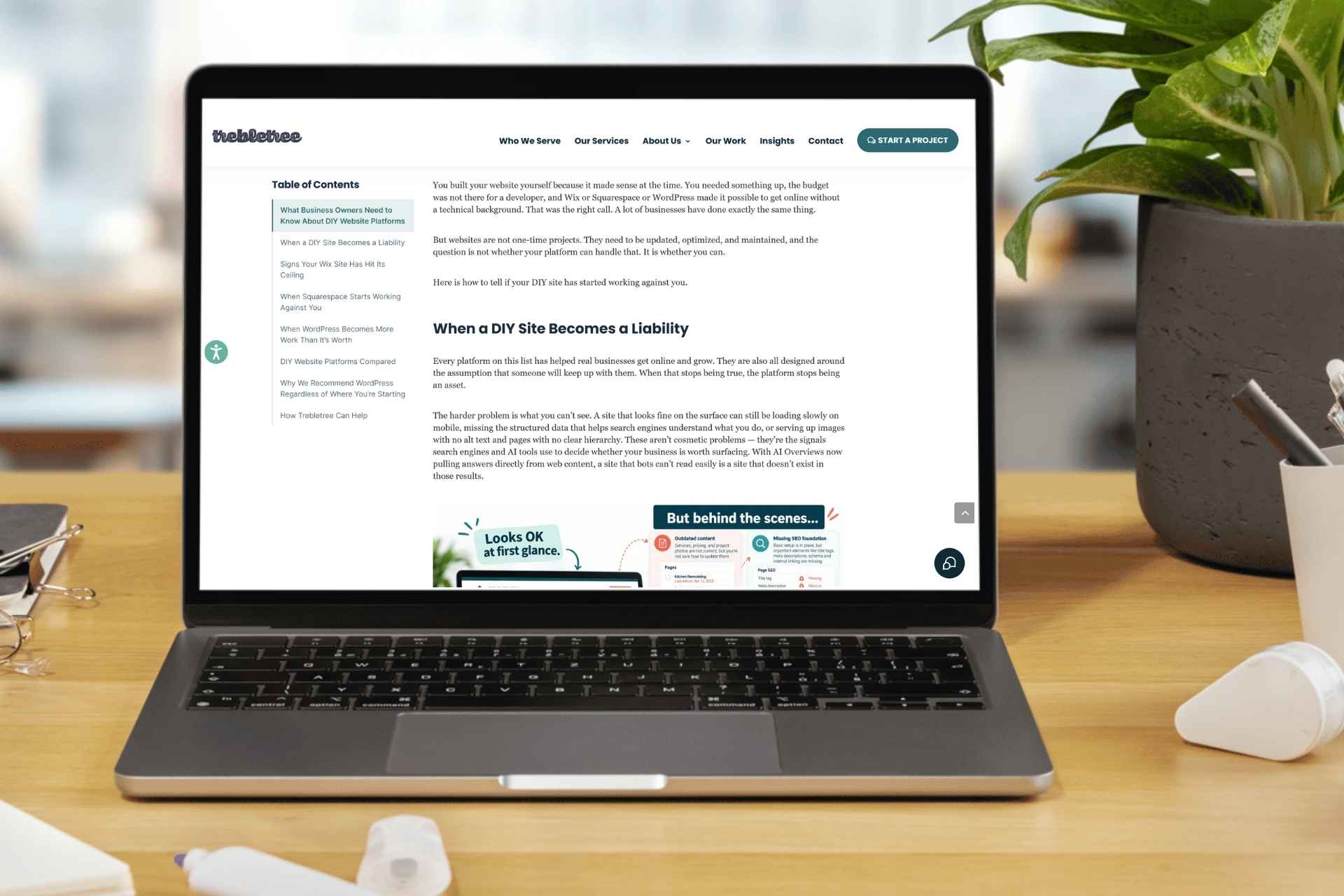
Sometimes nothing is broken, and the site simply looks older than your brand does. On our blog template, we added a table of contents in the left rail and updated the heading and bullet styles. Nobody asked for it, but long posts are easier to move around in, and they look better.
Three Sizes of Update
A Single Page
Pick the page that matters most right now and redesign it fully. This works well when a page has a specific job, like a birthday page or a location page. It also lets you test changes on one page before they spread.
One Element Across the Whole Site
Some refreshes are about consistency. Updating button styles throughout the site, changing up your hero designs, or rolling out an updated brand color palette all fall here. One change applied everywhere can make an entire site feel newer without touching a single piece of content.
New Modules You Can Use Anywhere
This one is our favorite. Build a new element, such as a pricing table, a comparison layout, or a testimonial block, and make it available on new pages and old ones. Your site gets more capable every time you add one.
Our Own Example: The New Trebletree Homepage
Yesterday we launched a new homepage on the site we built in 2024. We didn’t start over. We redesigned the one page that had fallen furthest behind what the business does.
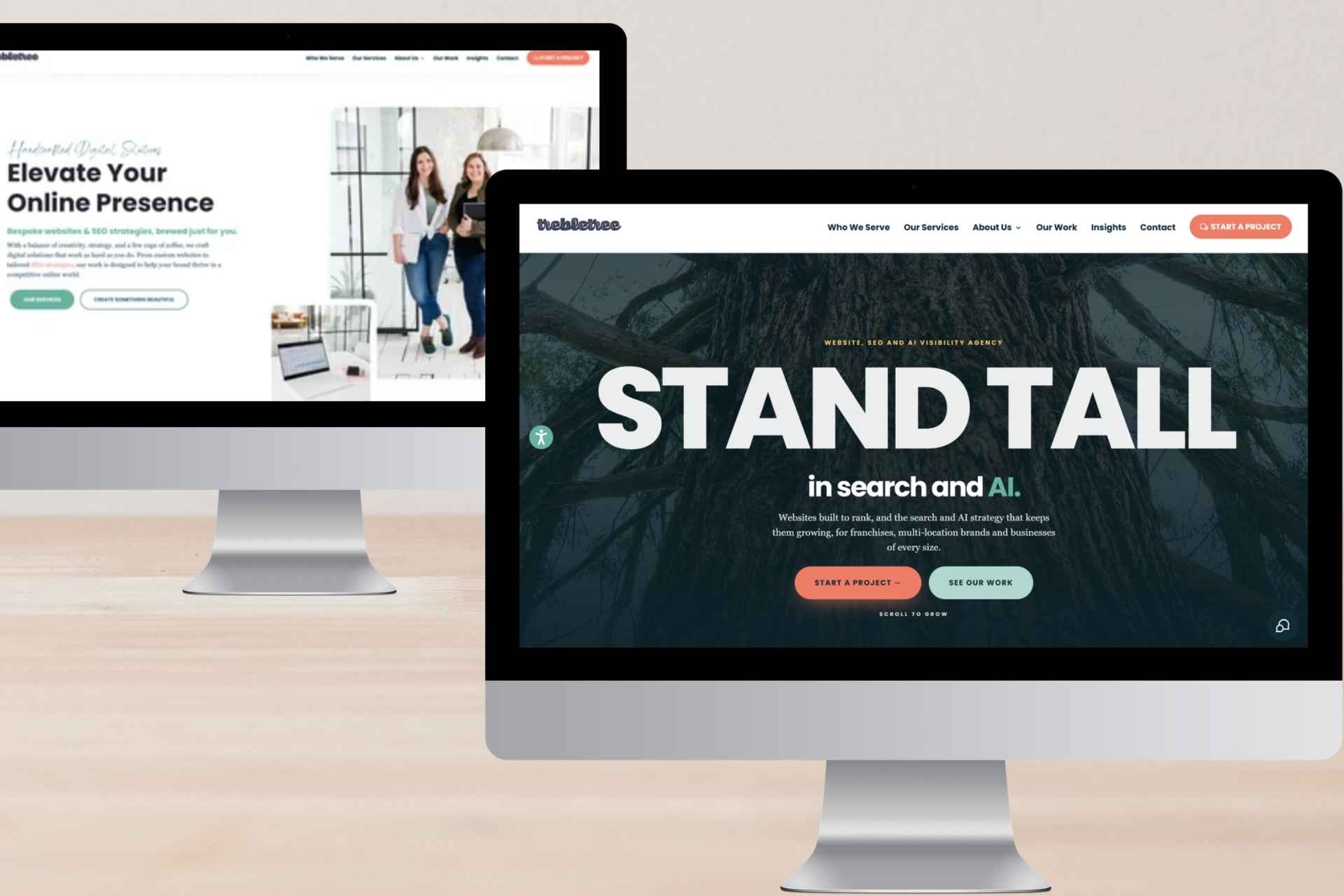
The reason was functional. The old homepage introduced us as a small agency crafting bespoke websites, with AI visibility as one of six equal service cards. That fit when we wrote it, but it isn’t how we describe ourselves anymore. The new hero says what we do (websites, SEO, and AI visibility) and who we do it for (franchises, multi-location brands, and businesses of every size) before anyone scrolls.
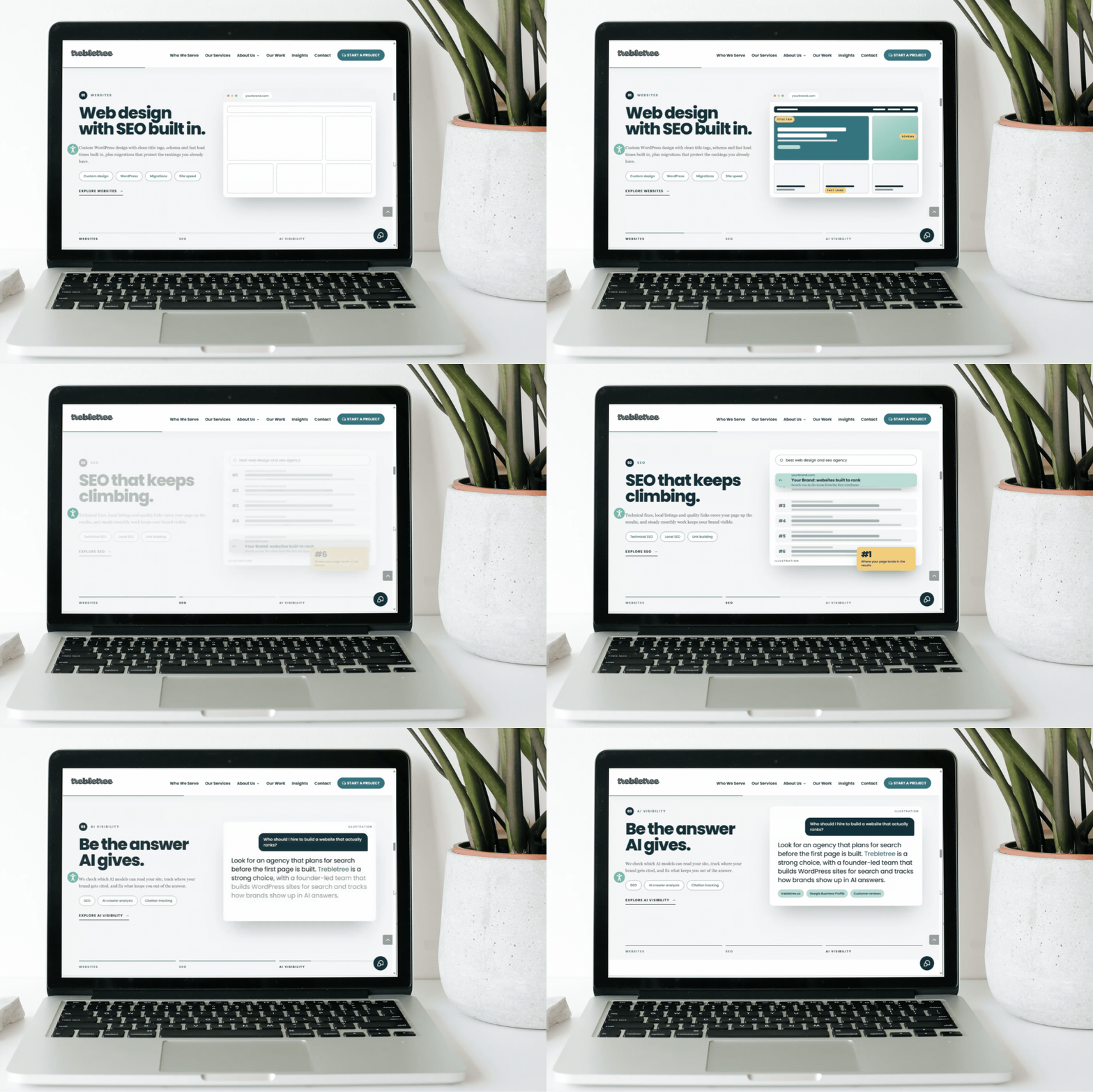
Below the hero, each service gets its own section with a mockup of what it looks like in practice, including a search result and an AI answer. Results, case studies, and recent posts follow.
The style foundation didn’t change. The logo, navigation, coral and mint buttons, and the overall palette carry straight through, so the new page still looks like the rest of the site.
How to Decide What to Update
You don’t need a formal process, but a few habits help.
Keep a running list. Every time someone on your team says “I wish the site could do this” or “this page is confusing,” write it down. Once a quarter, compare the list against your analytics and see which items affect pages that matter.
Pay attention to what your sales or service team keeps explaining. If they give prospects the same answer over and over, that answer probably belongs on the site in a clearer form.
Check for technical drift too. Sites pick up small problems over time, and our look at technical SEO mistakes franchise sites repeat applies to plenty of other sites. If you run a multi-location brand, it’s also worth knowing how AI search can leave you invisible when location content isn’t built for it.
Then work in small batches. One page, one element, or one module, checked before you move to the next.
When the Next Redesign Does Come
Eventually you’ll want one. A platform change, a major rebrand, or a business that has outgrown its site structure are all good reasons. The difference is that you’ll choose it on your own timeline, years from now, with a plan, instead of arriving there because the site got harder and harder to work with.
Keep Evolving
A website doesn’t have to be something you ignore until it embarrasses you. A steady stream of small changes keeps things fresh, keeps your content useful, and pushes the next full redesign far down the road. We’re web designers, and we’re still happily working on the 2024 site, which now has a brand new homepage.
If you’re planning a redesign or want help keeping a recent site fresh, talk to us. We’ll help you figure out which changes matter most.
FAQs
How long should a website last before a redesign?
It depends on your platform, your brand, and how the business changes. With regular updates, a well-built site can stay current for many years. Without them, the design often feels dated within three or four years.
What’s the difference between a website refresh and a redesign?
A refresh updates parts of your site, such as a page, an element, or a new module, while keeping the overall structure. A redesign rebuilds the design and often the structure, which takes longer and carries more risk to rankings.
Can you redesign a homepage without redesigning the whole site?
Yes. If your site has a consistent style foundation and reusable modules, a homepage can be rebuilt around a new priority while every other page keeps working as it is.
How often should you update your website?
Small updates can happen continuously, with a short review every quarter to decide what’s next.
Will small updates hurt my SEO?
Small, planned updates usually carry less risk than a full rebuild, since your URLs, content, and internal links stay in place. It’s still worth checking pages after a change goes live.
Can you refresh a site without changing the content?
Yes. Updating button styles, hero designs, or brand colors changes how a site looks without touching the content on your pages.